


Handle any Windows executable file as you please
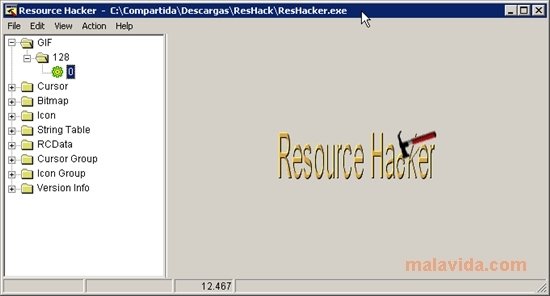
You surely have some applications installed on your computer that you consider essential due to their functionality, but you may not like what they look like. If you want to personalize your favorite applications, you can use Resource Hacker, an easy-to-use application that will allow you to experiment and manage original changes to your applications.
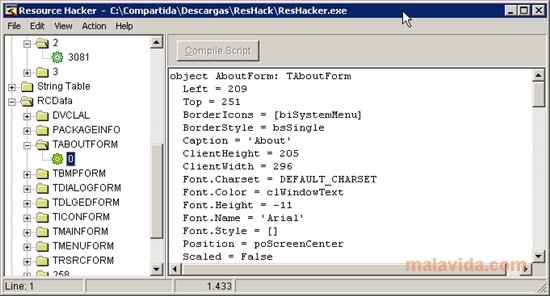
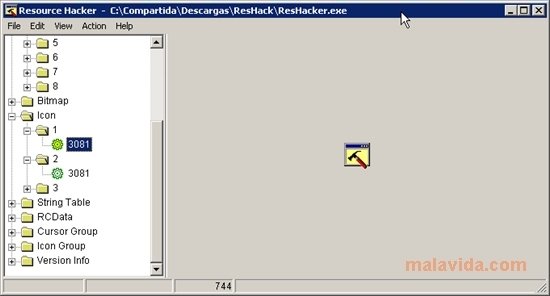
Resource Hacker edits and modifies any Windows executable file. It allows you to access and modify any kind of resources with icons, cursors, images, audio tracks, etc., decompile an application's source code to manipulate the menus or dialogue boxes, add new resources or delete some that already exist.
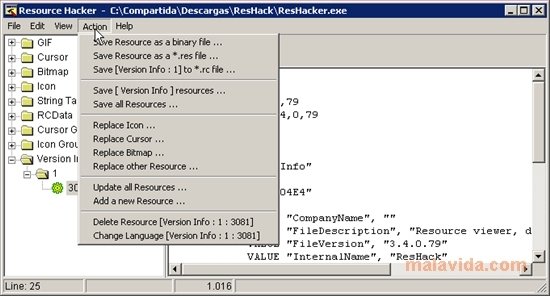
To do so, Resource Hacker includes a pack of predefined actions that make the process easier like, for example, changing an icon, changing the cursor, changing bit maps, adding a new resource, ... Nevertheless, if you are intending to manipulate any file that may be essential to the system, we advise that you make a backup before starting.
The application is capable of opening the following type of files:
- EXE. The classic Windows executable file.
- DLL. They refer to dynamic link libraries that are loaded in the operating system to launch an application.
- OCX. These are controls and features used by Windows programs.
- CPL. These files are extensions that symbolize each element of the tools of the Control Panel.
- SCR. The Windows screensaver files.
 Vanessa Martín
¡Hi! I am Vanessa Martin, I like to travel, music, photography, and I am passionate about the Internet, as it is a great source of information where you can find everything you need. If it exists, it is on the Internet. Another of my great...

Antony Peel